
Step by step
How to find furniture from an interior photo in VizuAI
Three simple steps: open the search, upload a photo, and get grouped results by detected objects
Step 1
Open the app and choose the furniture search scenario
Open the Furniture Search section. On the next screen you can upload a photo and start right away
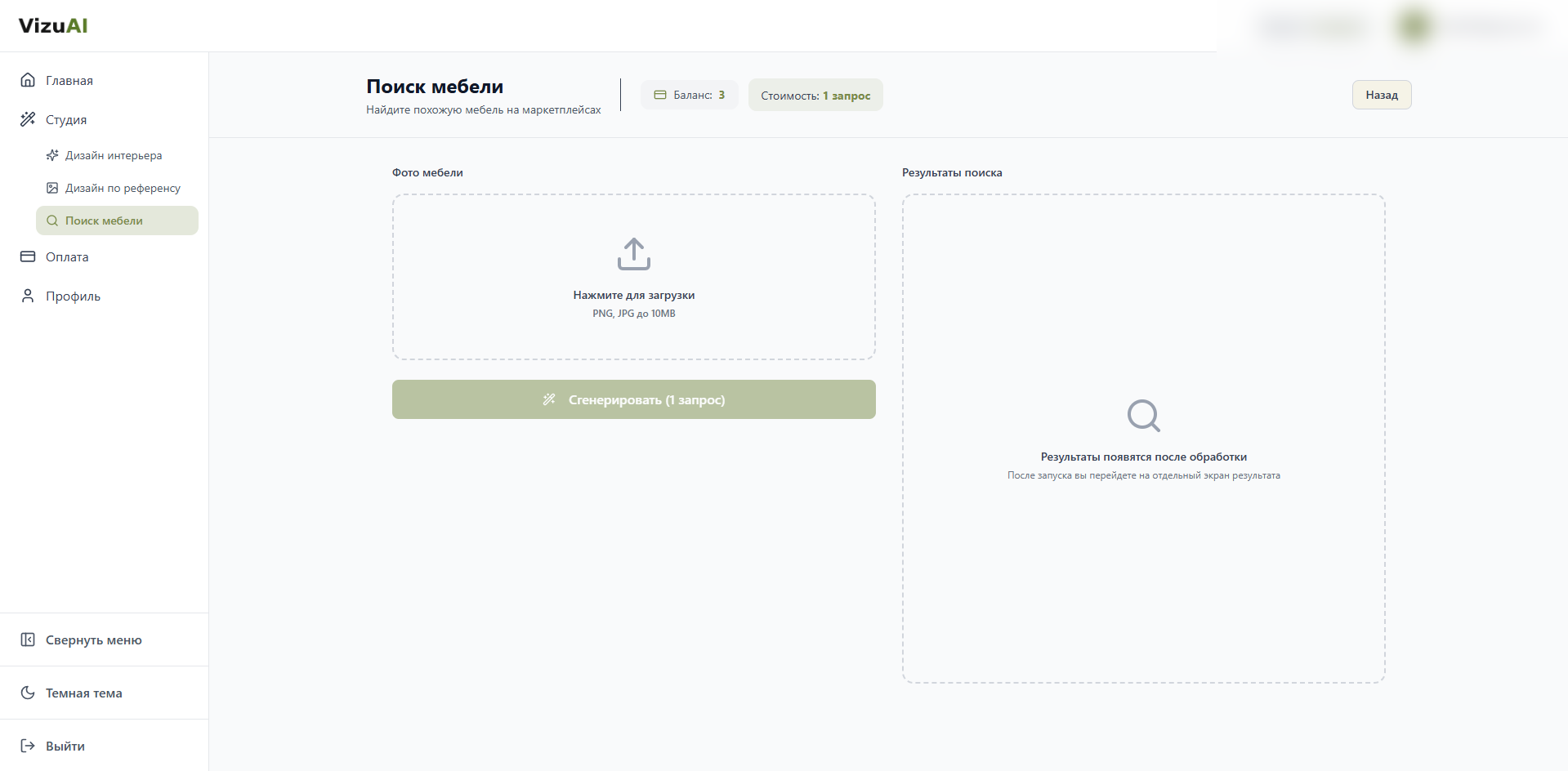
Экран запуска
Здесь всё начинается
Step 2
Upload a photo where the furniture is clearly visible
Both a full-room shot and a close-up of one item can work
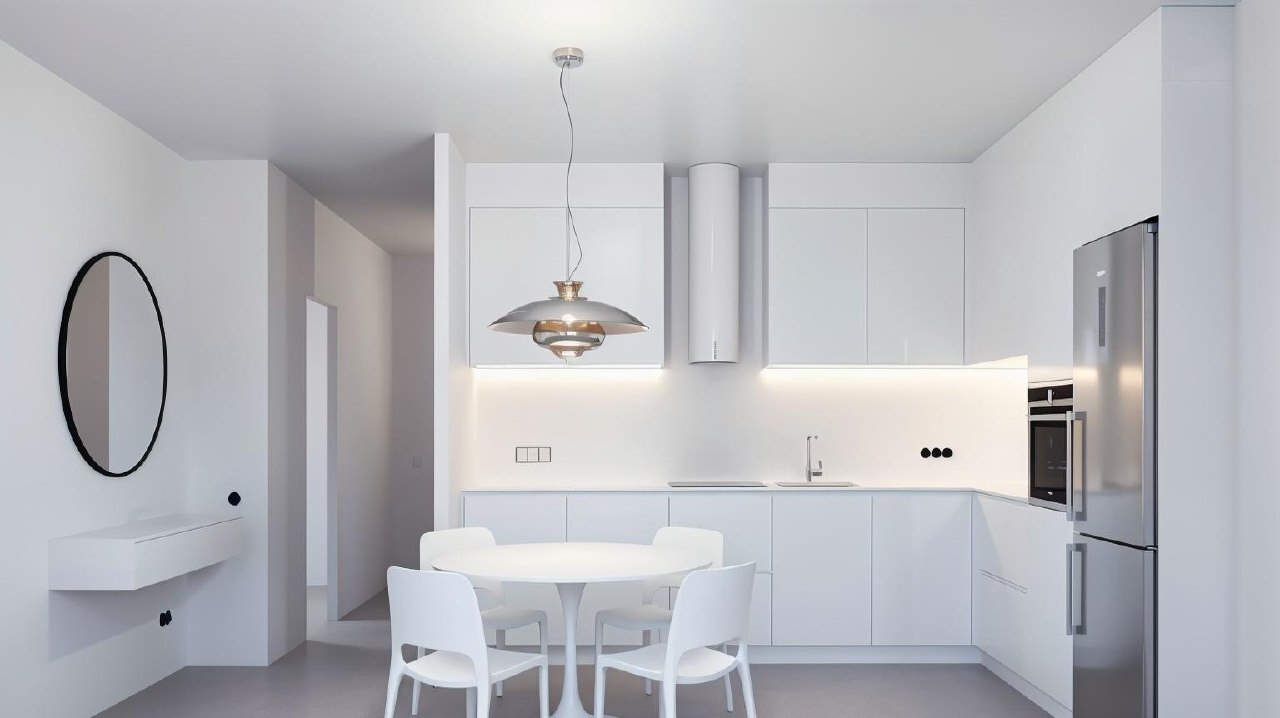
Можно загрузить и общий интерьер
Если предметы хорошо видны, сервис соберёт подборки по каждому объекту
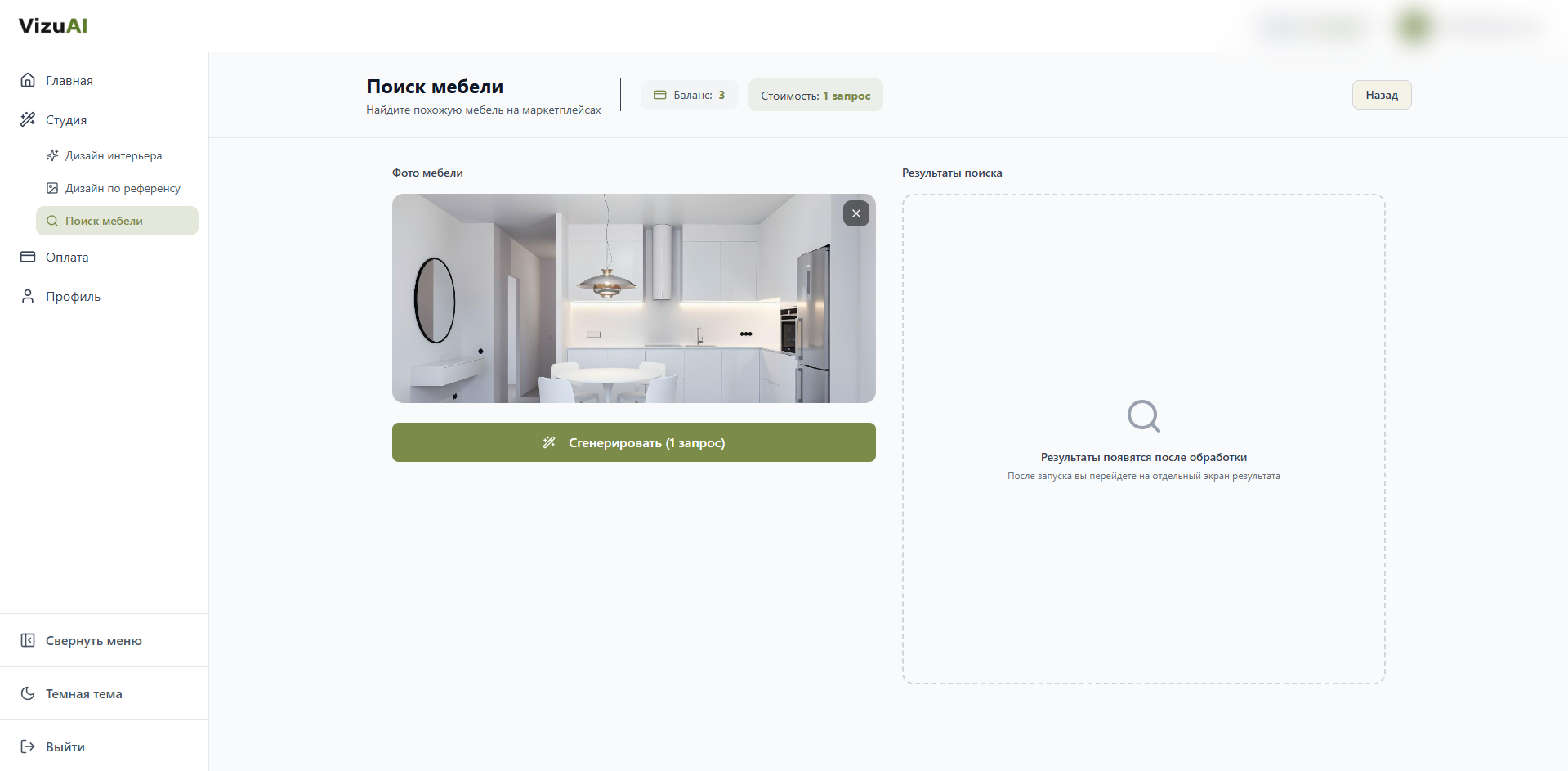
Проверьте кадр перед запуском
Если всё выглядит хорошо, можно запускать
Если нужен один предмет, крупный план обычно работает точнее
Step 3
Run the search and wait for the result
You will get grouped links for each detected object
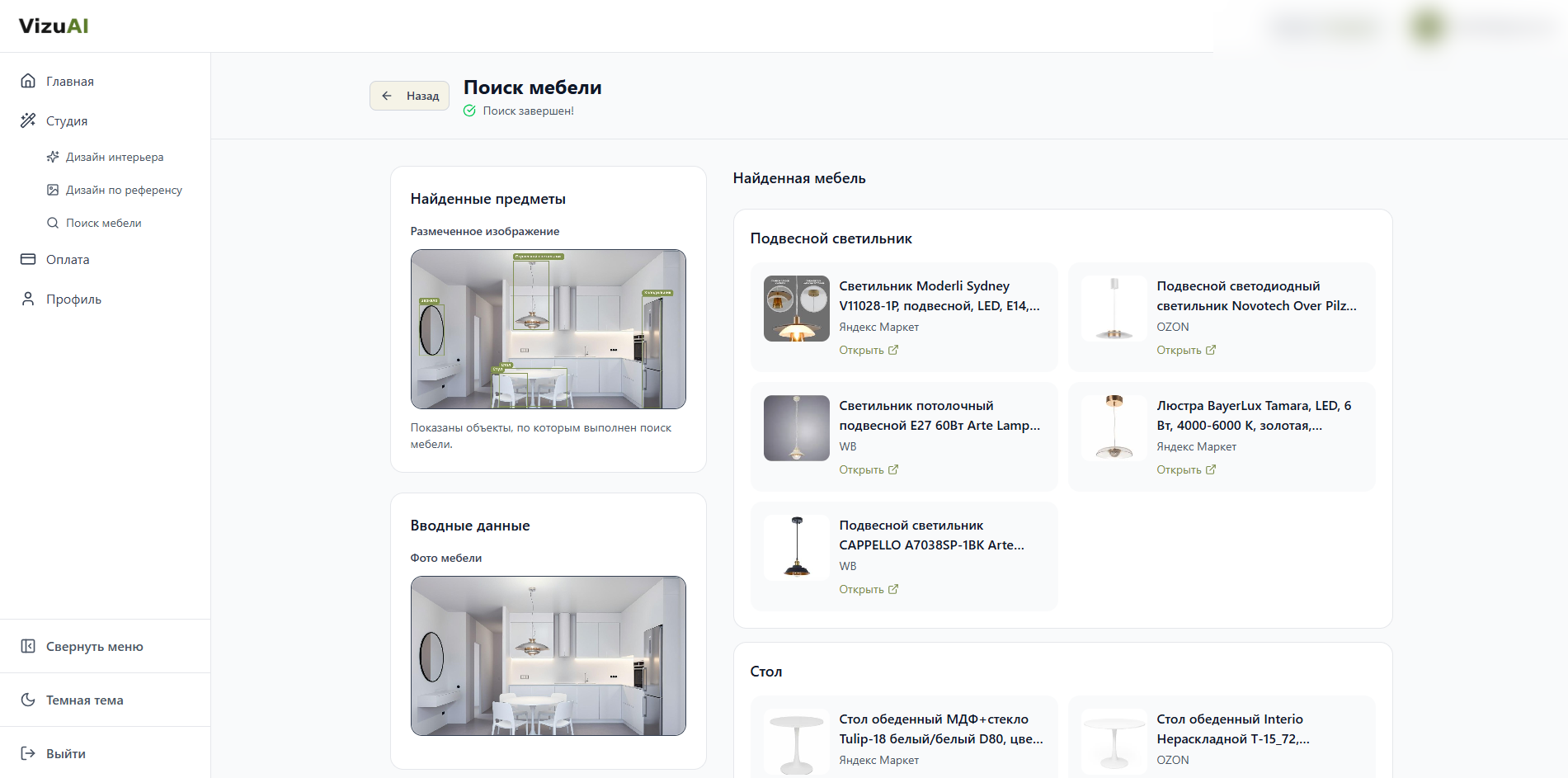
Подборки по каждому предмету
По товарам можно сразу перейти на маркетплейсы
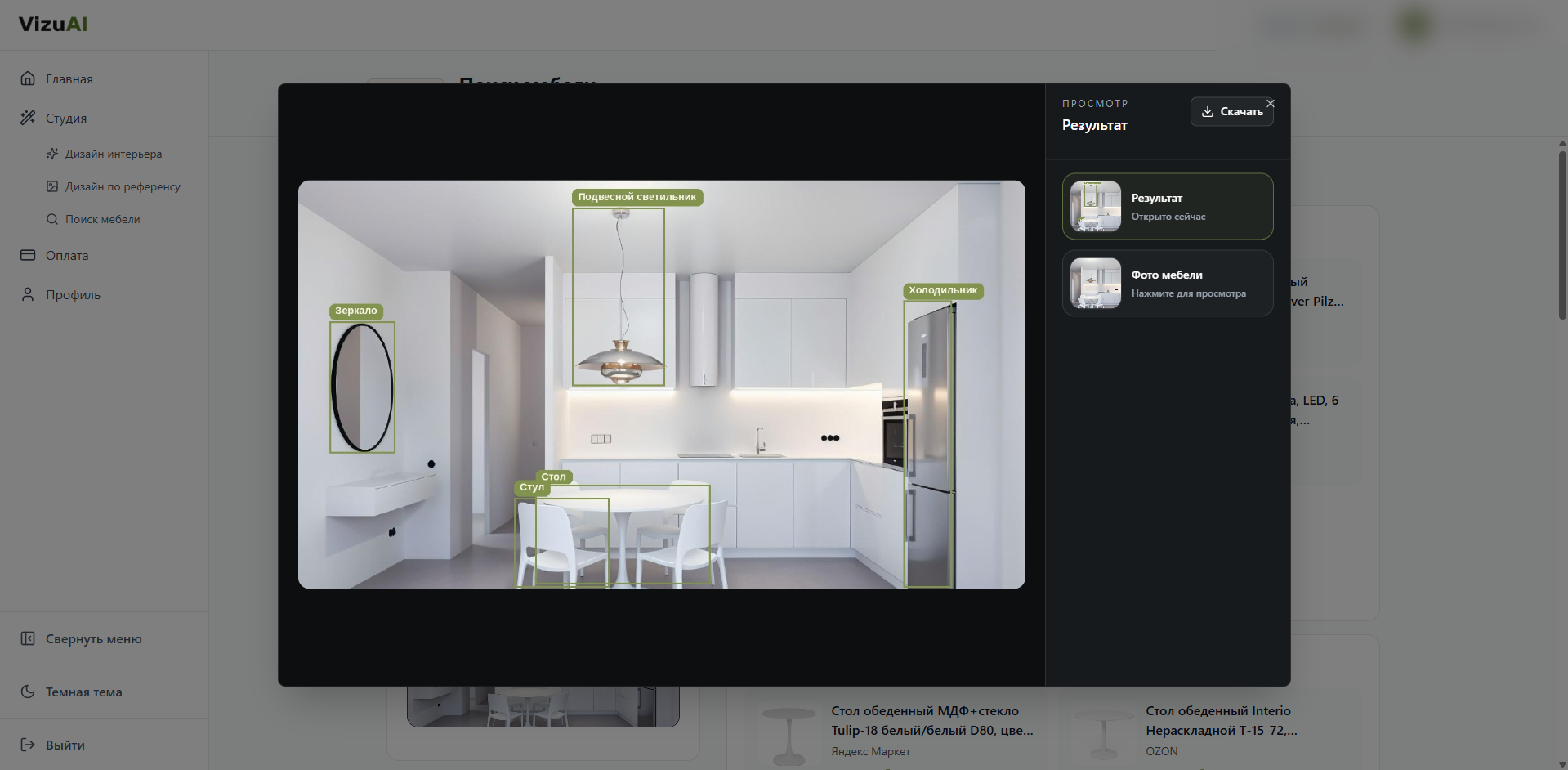
Если хотите посмотреть ближе
Результат можно раскрыть и проверить разметку объектов
Результат сразу разложен по объектам: каждый предмет в своей группе
Want to try it on your own image?
Open the app, upload a photo, and run furniture search on your own interior
Open the app